01 / 05
Start a ZentBuy haul shortlist
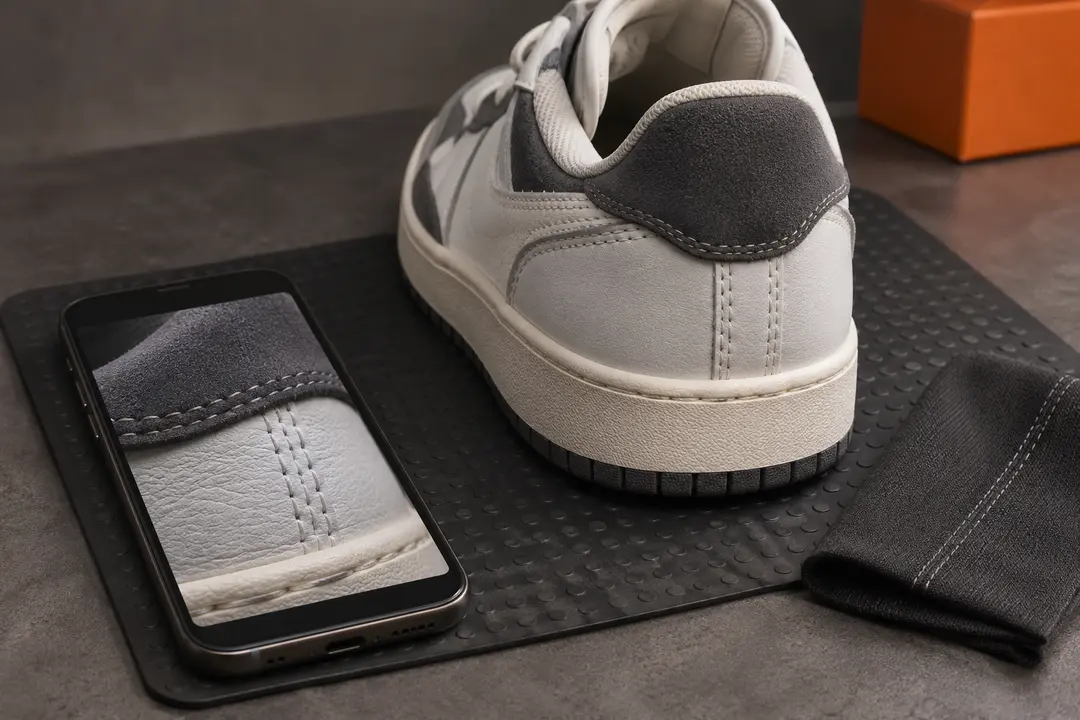
A haul is the group of finds you plan to ship. For each item, save the seller link, selected color and size, current price, and any question about fit. Check domestic shipping charges when they are shown so you can compare the cost of the items before international freight.
If you plan to ship shoes and a hoodie together, record which pieces are essential and which could wait. That gives you a starting point if an item arrives later or the packed parcel is bulkier than expected.
02 / 05
Review warehouse QC before packing
When items reach the warehouse, compare the available photos with your selected options. Set aside any item with an unresolved size, color, or condition question and check your account for current storage dates and support options.
03 / 05
Estimate ZentBuy haul shipping
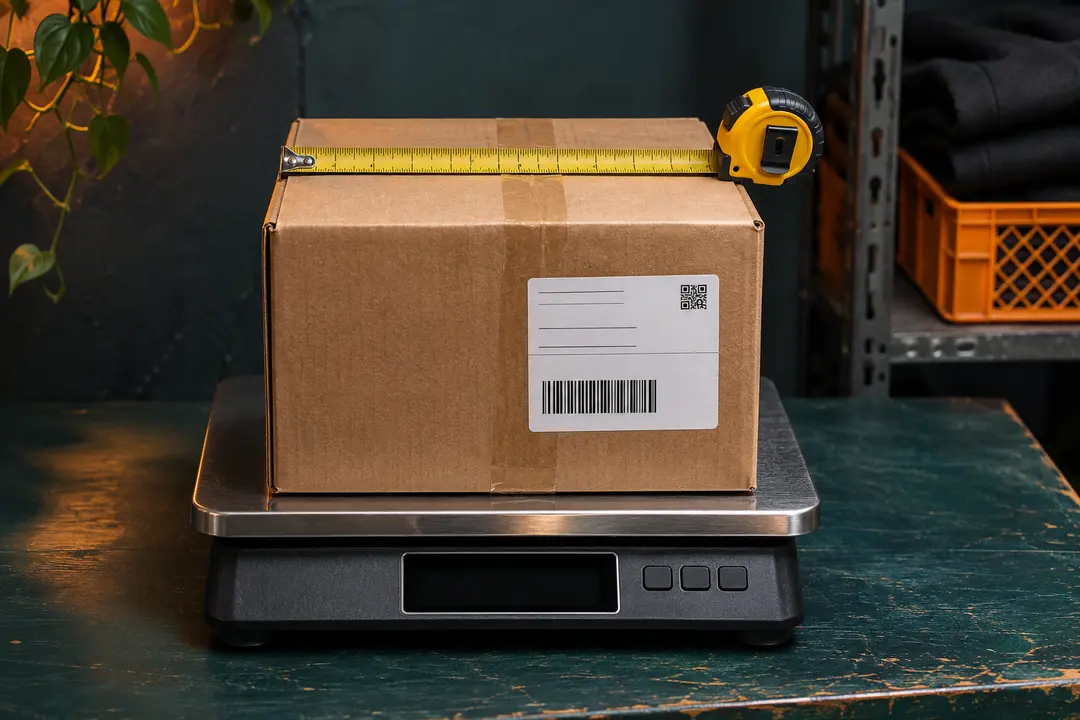
Use the destination, packed weight, dimensions, and contents in the freight estimator. If you compare one larger parcel with two smaller ones, add both smaller estimates and check route rules and available services for each parcel. Check the live charge before paying.
Keep the parcel reference and tracking number once they are available. Follow tracking in your ZentBuy account or with the carrier, and include the parcel reference if you need delivery help.
04 / 05
Check your ZentBuy order status
Start with the order reference and check which stage it has reached. A seller’s domestic tracking number follows the item to the warehouse. The international parcel reference follows the shipment after you submit and pay for a parcel.
Keep a short record of the order date, warehouse arrival, parcel submission, and last carrier update. Those dates help you explain which stage needs attention.
05 / 05
ZentBuy tracking number not updating
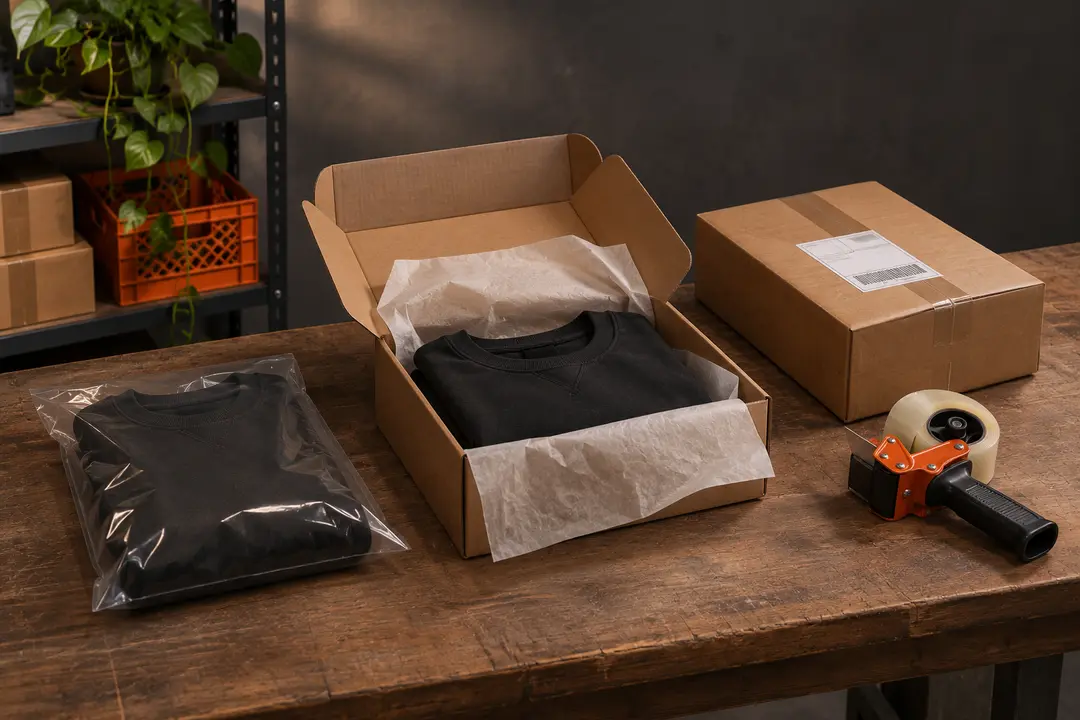
Copy the tracking number from the parcel details and check the carrier shown for that parcel. Look for the last event and its date. A number may be created before the carrier records its first scan.
Compare the time since the last event with the selected route’s published delivery guidance. If you need help, send ZentBuy support the parcel reference, carrier, tracking number, and the last event you can see.
We may earn a referral fee.
Register with ZentBuy